
UNC is North of the Norm
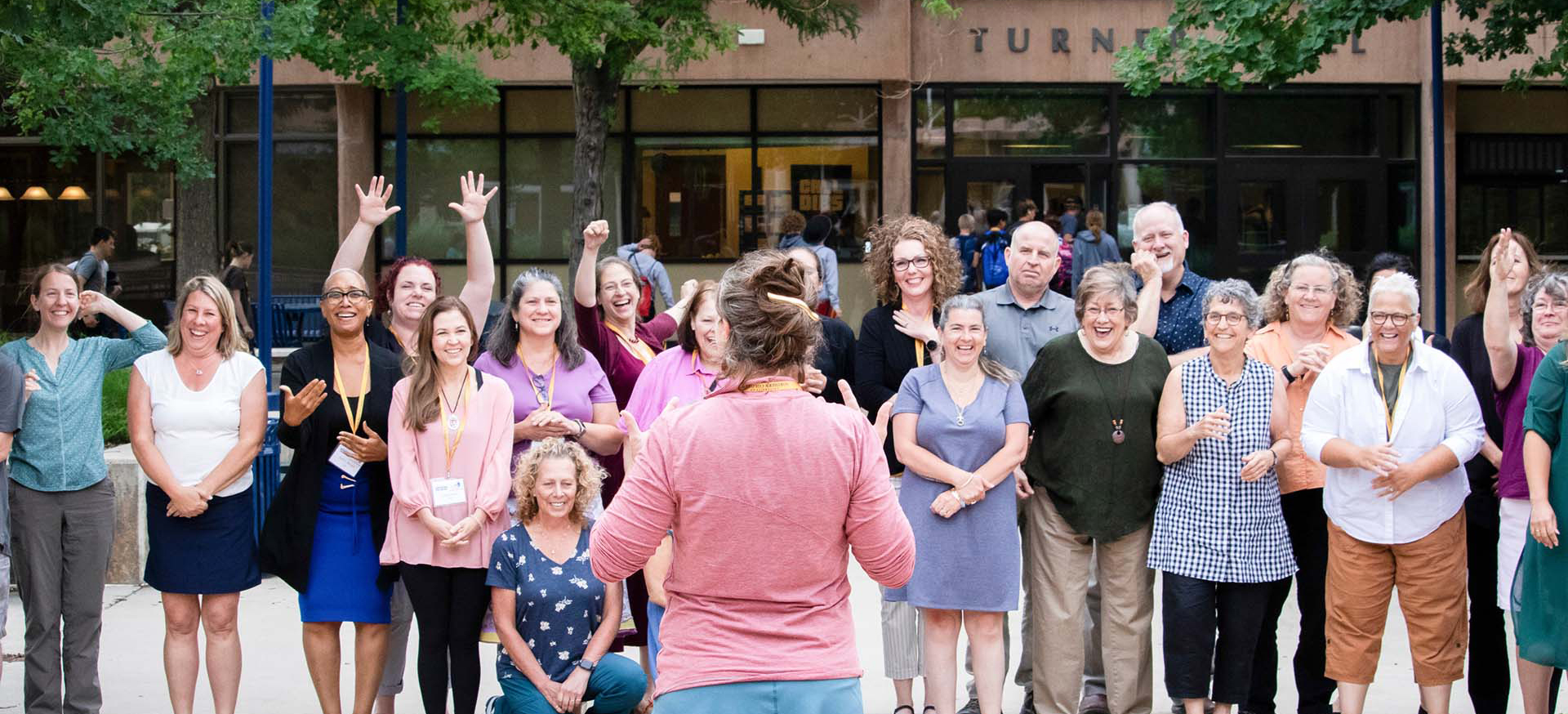
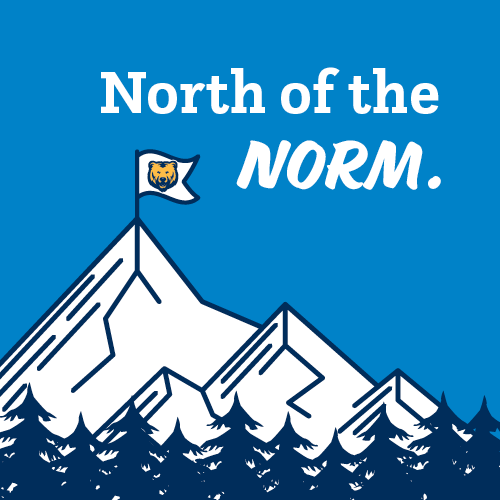
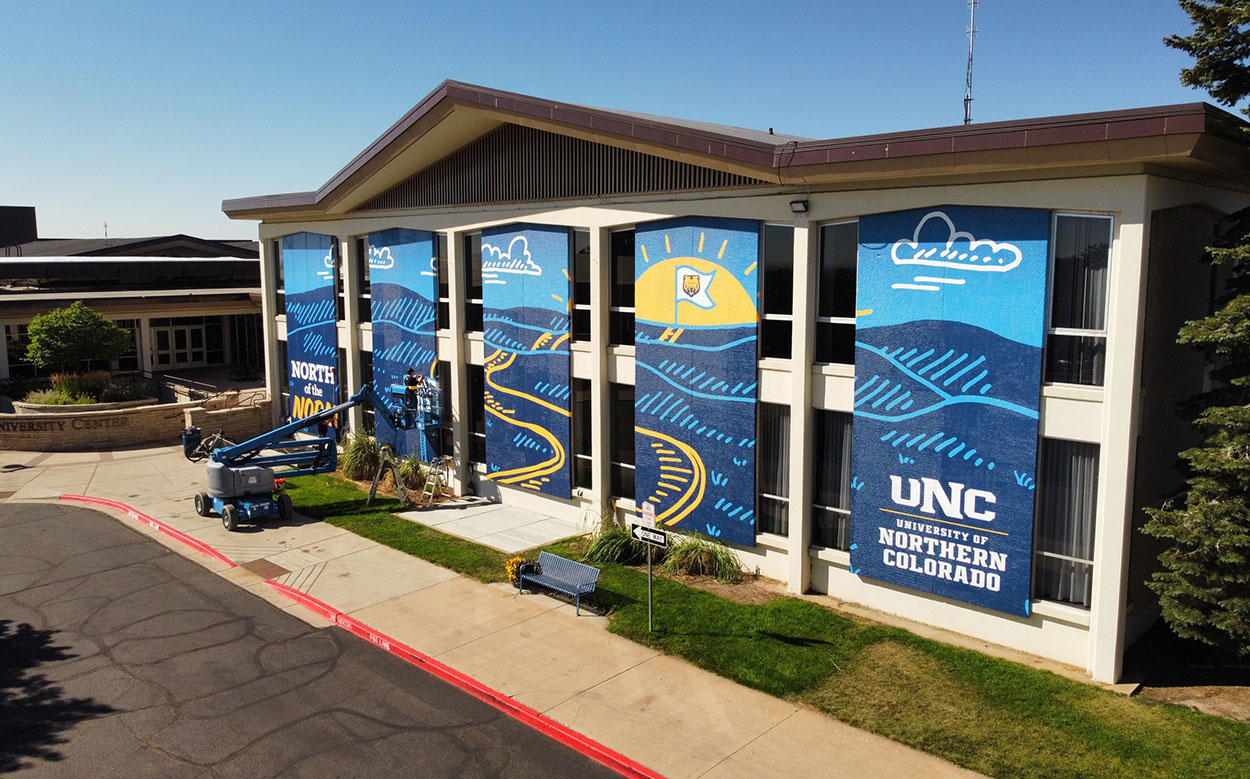
You might start seeing some vibrant new signage in and around campus this fall. The North of the Norm campaign was started in 2022 to represent what UNC is…we do things our own way, at our own pace. North of the Norm distills this spirit and drive into a memorable and distinct phrase. It's a statement of who we are and how we show up in the world.
What do you need?
LEARN MORE ABOUT OUR SPECIFIC AREAS OF EXPERTISE.


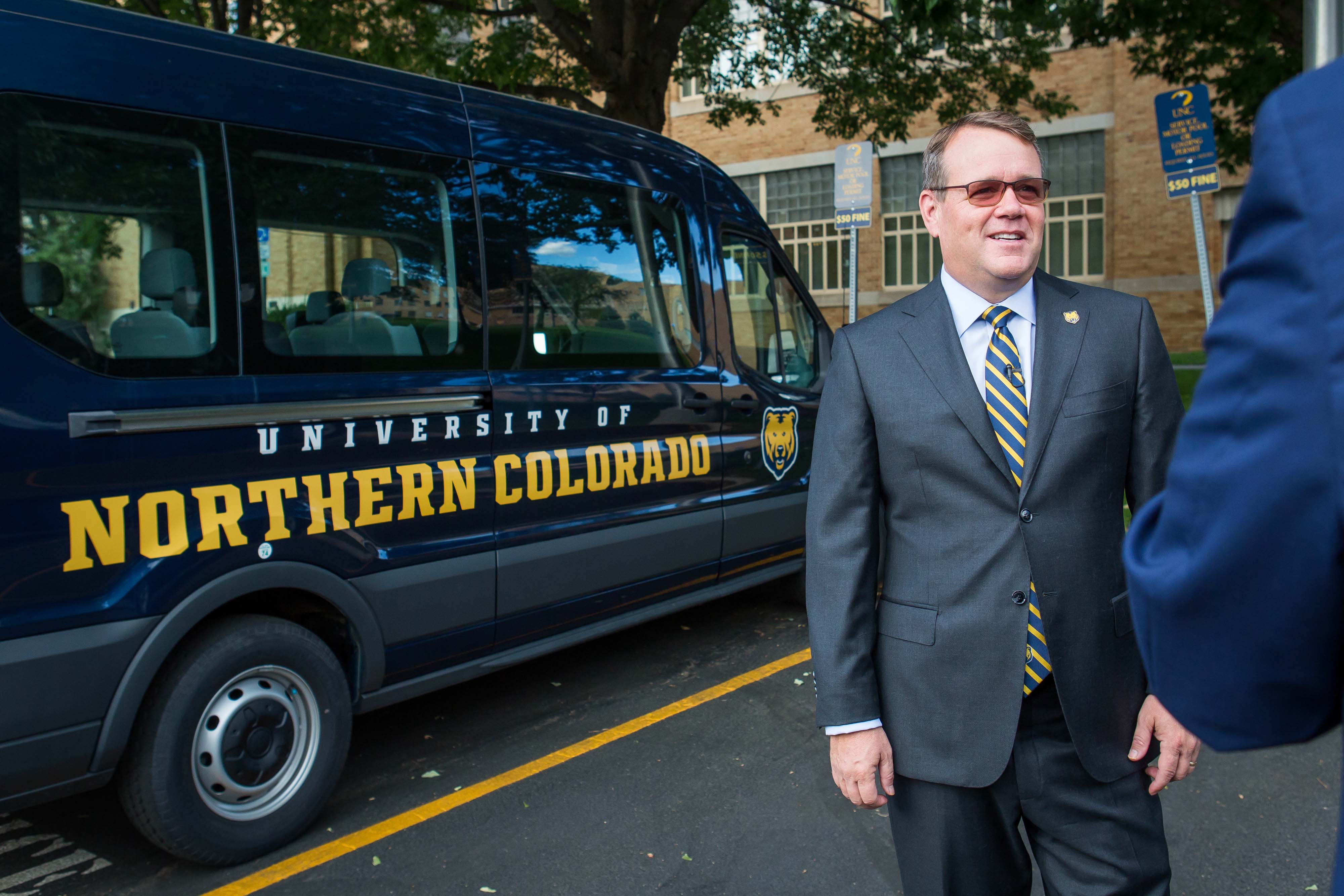
For the media
University News and PR is the liaison between the university community and news media. We respond to incoming media inquiries and public requests for information and provide strategic public and media relations services and support to departments, schools and colleges across the university.
Alumni Communications
Working on behalf of all UNC programs and offices, University Advancement is responsible for managing alumni communications and associated data, including contact information and communication preferences using a constituent relationship management (CRM) tool and coordinated alumni communication calendar. Strong central coordination enables UNC to be thoughtful regarding the time and method of communication, especially when alumni maintain interest and relationships with multiple areas of the university.